As an Amazon Associate, we earn from qualifying purchases. Some links on this site are affiliate links at no extra cost to you. Our recommendations are based on thorough research and editorial judgment.

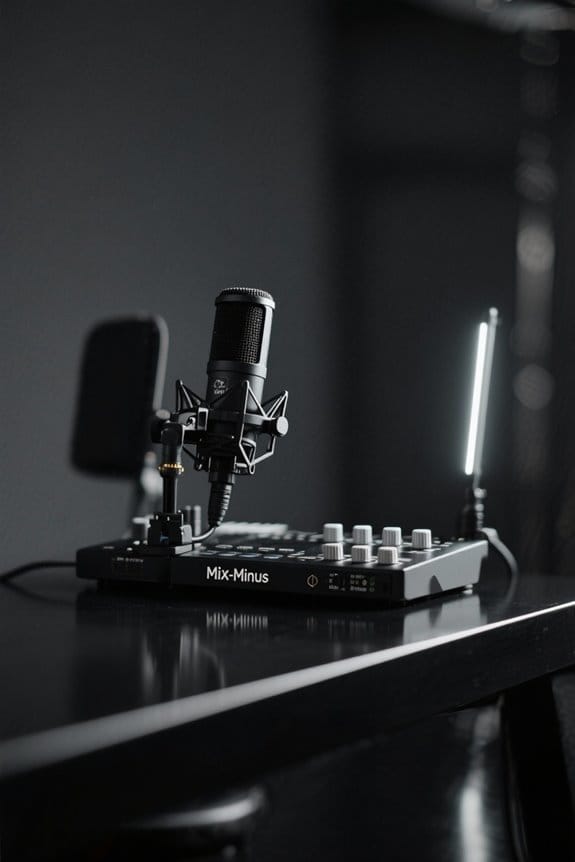
How to Create a Mix-Minus Setup for Remote Podcast Guests

To create a mix-minus setup for remote podcast guests, start with quality gear like an XLR mic and audio mixer. A loopback feature helps prevent audio feedback by isolating the host’s voice from what guests hear. Use platforms like Riverside.fm or Zencastr for smooth recordings and echo reduction. Encourage guests to record in quiet spots, and don’t forget to do sound checks first! Stick around to discover more tips that will enhance your podcast game.
Key Takeaways
- Invest in a quality microphone and audio mixer to manage audio signals effectively without feedback loops for remote guests.
- Use Loopback to create a virtual device that routes audio while preventing guests from hearing their own voice echoed back.
- Select a suitable remote recording platform like Riverside.fm or Squadcast for high-quality, local recordings that facilitate clear communication with guests.
- Encourage guests to record in quiet spaces with soft furnishings to minimize echo and enhance audio quality during the podcast.
- Perform pre-recording sound checks to ensure all tracks are synchronized and the audio levels are clear for a professional recording experience.
Understanding Mix Minus
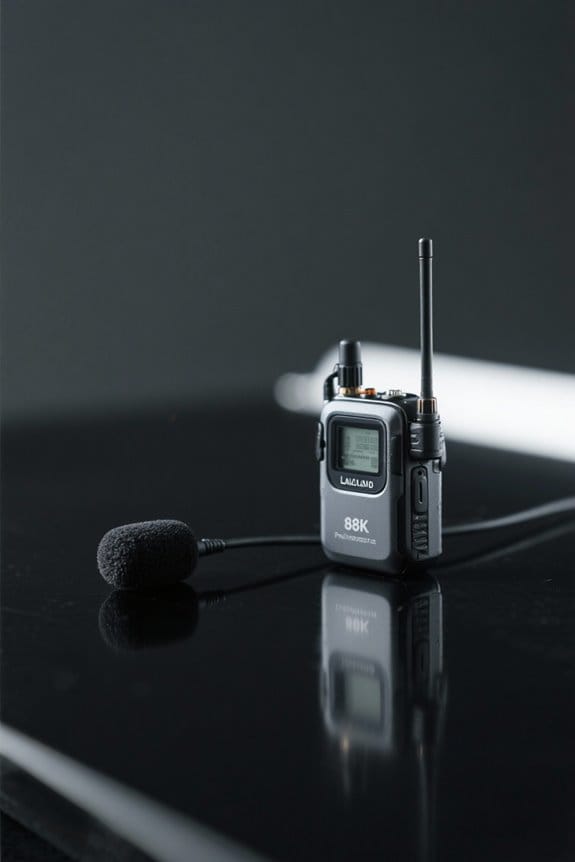
Mix-minus is like magic for podcasters and broadcasters. This setup is vital when recording remote guests, preventing audio feedback that can ruin a good conversation. With mix-minus, the host’s voice reaches the guests, minus their own audio, which keeps pesky feedback loops at bay. It allows the host to hear the guest loud and clear, enhancing the overall audio quality. Think of it as creating a bubble of sound that keeps everything tidy and professional. For those juggling multiple parties during a recording, understanding this technique can drastically improve the listening experience for your audience. So, if you’re in the podcasting game, mastering mix-minus is crucial. It’s a real game-changer. Using a lavalier microphone with noise reduction technology can significantly enhance the clarity of your mix-minus setup while filtering out unwanted background distractions.
Basic Equipment Setup

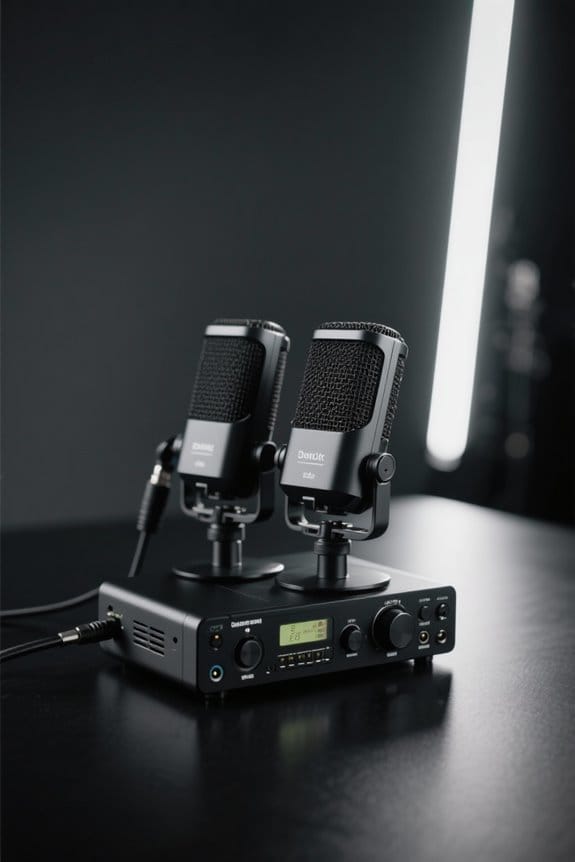
To set the stage for a successful mix-minus setup, having the right equipment is crucial. First, invest in a quality host microphone with an XLR connection, which really boosts your audio quality. Then, you’ll need an audio mixer to manage signal routing; this makes sure your remote guests hear you, but not the other way around. Don’t forget a computer! It’s your recording device and communication lifeline. For crystal-clear conversations, headphones are key—they help avoid confusion and keep audio levels in check. Each piece of equipment plays an essential role in isolating separate audio channels, and trust me, nobody wants feedback ruining their podcast. This is your tech toolkit for mixing magic! For optimal audio clarity, consider interfaces like the Focusrite Scarlett Solo that offer zero-latency monitoring and professional-grade sound conversion.
Recommended Products

【Sound Board for 3.5mm/Xlr/48V Dynamic Microphone】No complicated setup required! Just plug the live sound card into your PC, Mac, or mobile device, and start streaming or recording right away. This podcast equipment kit is designed to make your audio experience seamless and easy.

Essential Kit for Streaming Setup: MAONOCASTER G1 NEO is the essential gear for gamers and up-and-coming streamers diving into the world of gaming streaming. This gaming mixer not only delivers outstanding sound performance but also integrates customized sound effects and captivating RGB lighting to immerse you in gaming or streaming. Its compact design and user-friendly interface provide an enjoyable and easier gaming experience, making it easier for you to achieve victory

[XLR Mic Input] One XLR microphone input interface is set on the gaming audio mixer, which is great to up your audio quality with your XLR setup. The XLR mixer is a stepping stone to upgrade your live streaming. Audio mixer offered built-in 48V phantom power which opens up more choices for mics. Directly use it with your condenser microphone but do not solve added peripherals. (NOT available for USB mic)
Setting Up Loopback for Virtual Routing

Getting started with Loopback might seem like a formidable task, but it’s easier than it looks! This audio control software lets users create virtual devices for a perfect mix-minus setup. First, create a new virtual device in Loopback. This allows you to configure audio paths for Zoom or Skype, so guests only hear each other—no echo of their own voice! Next, set up a “Logic X Input Mix(-)” device, including your USB microphone and VoIP audio sources. Don’t forget to adjust the Pass-Thru settings in Loopback to manage audio flow and avoid feedback during remote recording. Finally, make sure your communication apps use these virtual devices as audio outputs. Voila! You’ve got a solid mix-minus setup. For optimal sound quality, consider using a dynamic microphone with a signal-to-noise ratio of 78 dB or higher to ensure crystal-clear audio capture during remote sessions.
Recommended Products

Pro performance with great pre-amps - Achieve a brighter recording thanks to the high performing mic pre-amps of the Scarlett 3rd Gen. A switchable Air mode will add extra clarity to your acoustic instruments when recording with your Solo 3rd Gen

Podcast, Record, Live Stream, This Portable Audio Interface Covers it All - USB sound card for Mac or PC delivers 48kHz audio resolution for pristine recording every time

Capture every detail of your sound: Imagine the perfect take, every note and beat, captured as if by magic. That's the MAONO PS22 Lite audio interface—designed for the recording enthusiast and streamer in you. With high-resolution recording at 24-bit/192kHz and a dynamic range of 106dB, this USB audio interface for PC and Mac ensures your sound is as clear and realistic as the original performance
Configuring Remote Recording Platforms

When it comes to recording podcasts with remote guests, the choice of platform can greatly affect the overall audio quality. Remote recording platforms like Riverside.fm, Squadcast, and Zencastr offer essential features for a successful mix-minus setup. These platforms allow local recording, which captures high-quality audio and bypasses issues from internet latency or dropouts. Proper configuration is key to integrating multiple guest inputs, ensuring everyone hears a clear mix without pesky feedback. To avoid echo and maintain that crisp audio clarity, leverage the built-in features these platforms provide. Remember, opting for platforms tailored for podcasting, rather than general meeting tools like Zoom, will greatly enhance your experience and better suit your audio quality needs. Setting up zero-latency monitoring capabilities through your audio interface ensures real-time feedback during remote recording sessions. Happy recording!
Tips for Optimal Audio Quality

Achieving ideal audio quality in podcast recordings is crucial, especially when multiple guests are involved. First, everyone should use quality microphones, like USB models such as the ATR2100, priced around $99, or the Shure PGA58, costing about $99 as well. Encourage guests to find quiet, soft-furnished spaces—think cozy libraries or cushy living rooms—to cut down on echo. Using dedicated remote recording platforms like Riverside.fm or Zencastr is essential, as they allow separate tracks for each participant. This feature streamlines post-production editing. Don’t forget to continuously monitor audio levels through an audio interface, using headphones for real-time feedback. Finally, conduct pre-recording sound checks with a simple clap to sync those separate tracks and keep conversations flowing smoothly. For optimal voice clarity, select microphones with a cardioid polar pattern that effectively isolates sounds directly in front of the mic while reducing unwanted background noise.
Recommended Products

Cardioid Pick-up: Ccardioid pickup pattern that captures clear and crisp voice in front of the mic and suppresses unwanted background noise. Design for chatting, teleconferencing, recording, podcast

[Convenient Setup] Plug and play recording USB microphone for PC, with 5.9-Foot USB cable included for computer PC laptop, is connected directly to USB-A port for recording music, computer singing or podcast. The office condenser microphone for computer is easy to use and install. (NOT compatible with Xbox and Phones)

[Upgraded XLR Mic] XLR microphone with stability and anti-interference ability upgrades your recording audio performance. Reliable XLR connector paired with audio interface or mixer to work together brings your podcast or stream channel up a perspective notch. Podcast mic with audio flexibility for different types of gaming/vocal/singing gains more listeners and audiences. (Only available for XLR connection)
Troubleshooting Common Issues
While a mix-minus setup can make remote podcasting a breeze, some common issues can pop up and disrupt the flow. First, confirm local microphones are set to the correct levels to prevent feedback. Monitoring your headphone mix is essential, too; it helps identify any audio imbalances. If you notice that your recording might drop out, check the stability of your internet connection. Switching to wired connections often boosts your recording quality. Additionally, verify apps like Zoom or Skype are linked to the right virtual audio devices. Conducting test recordings can reveal hidden audio glitches. After all, you wouldn’t want a surprise sound issue ruining your carefully planned chat. So, troubleshoot these points to keep things smooth! Using an interface with zero-latency monitoring capabilities ensures you hear your voice in real-time without distracting delays.
Frequently Asked Questions
How to Do a Podcast With Remote Guests?
In the digital garden of remote podcasts, blossoming conversations thrive through solid audio quality tips, effective guest communication strategies, and seamless remote interview techniques, ensuring vibrant exchanges that resonate long after the recording ends.
How to Set up a Mixer for a Podcast?
To set up a mixer for a podcast, one must select appropriate mixer types, connect microphones properly, and optimize audio routing to enhance sound quality, ensuring a seamless recording experience for both hosts and guests.
How to Record a Podcast With Two People Remotely?
Recording a podcast with two people remotely often feels like steering through a digital labyrinth. By prioritizing remote audio quality, ensuring software compatibility, and implementing effective guest communication strategies, a seamless recording experience can be achieved.
What Is a Mix-Minus Setup?
A mix-minus setup is a configuration that enhances audio quality during remote collaboration by preventing feedback. Its benefits include clear communication, allowing hosts to hear guests without their own voice interfering, ensuring seamless conversations.